What is this?
So, I made myself a little bit of an everything toolkit to help me day-to-day and recently open sourced it (https://github.com/FeemcoTechnologies/cc-toolkit). I just wanted to show some features and if there's a tool out there that can do better at having all these available, please hit me up cause I'll be your #1 user!
History
The cc command toolkit was first, it was a command line that basically took in tool from my local system's tools folder (a share I use between vms, mounted in my kali as /share/tools/), as well as all the tools installed on the system (pip, uv, npm, cargo, go, etc.. etc... etc... apt). I figured it would be great for tool management.
Then I decided I'd flip it a little bit and use it for a cli as case management system (forensics, ir, pentesting, whatever, could document stuff in there for myself).
I then took it and thought okay well maybe I can leverage these in a web interface as well. Originally to put inside jupyter or something, instead it turned out easier to make a new web interface (used ai to generate). This allowed me to put both caido and jupyter into the toolkit directly.
I've since, mostly with ai, added in flashcard/memory sort of section for studying for tests, runbooks, run runbooks from cases, asset management, credential management, some ai features, background tasks, and findings management.
Where's it at now
Main/Dashboard
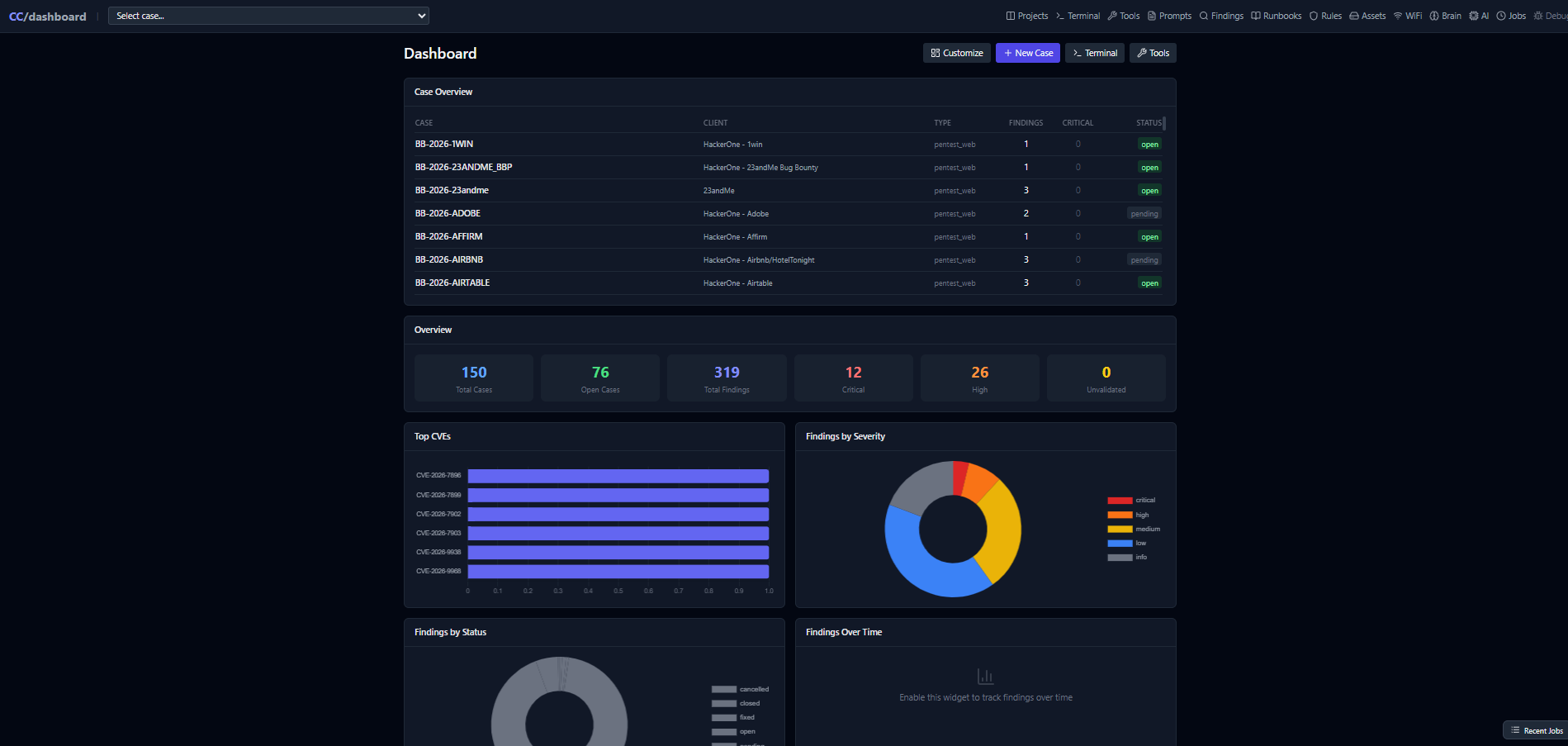
On the main page/Dashboard page, we have typical case management software, geared primarily towards pentesting findings and resolution of those findings.
We also have links to create new case, and all other main features of the tools.
Tools page
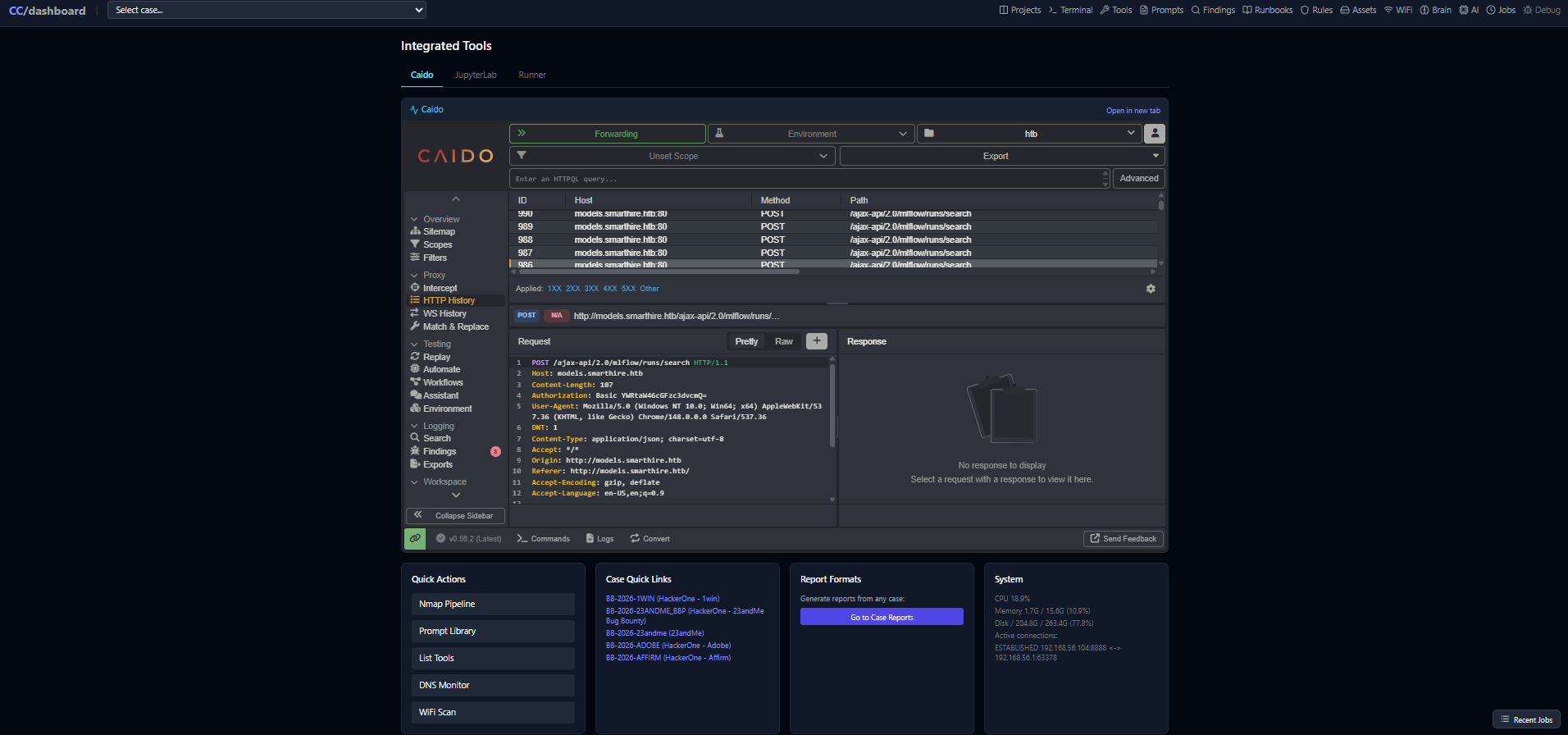
Over on the tools page we've got caido, jupyter, and a script runner, as well as quick actions (find tools, start monitoring, etc... ), system resource monitoring, and some of the latest case links.
Terminal
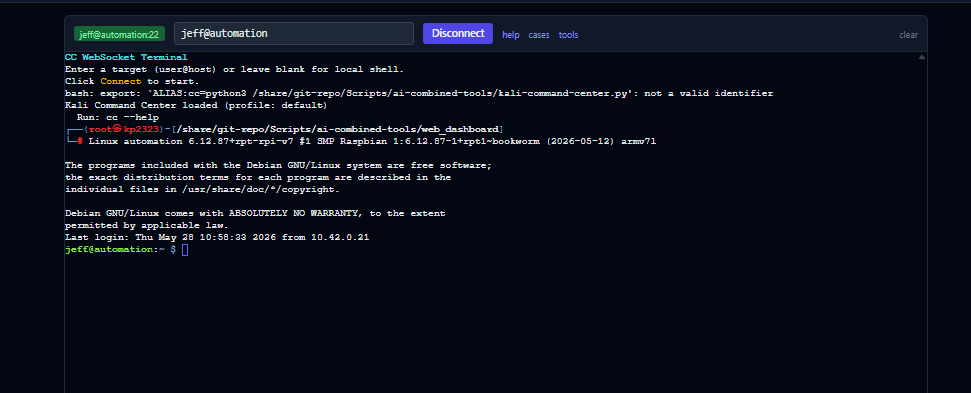
This is a in-browser ssh service in which you can leverage to ssh into other systems or run commands directly from the system (basically, a failsafe for if jupyterlab doesn't work for terminal access).
Projects Dashboard (kanban)
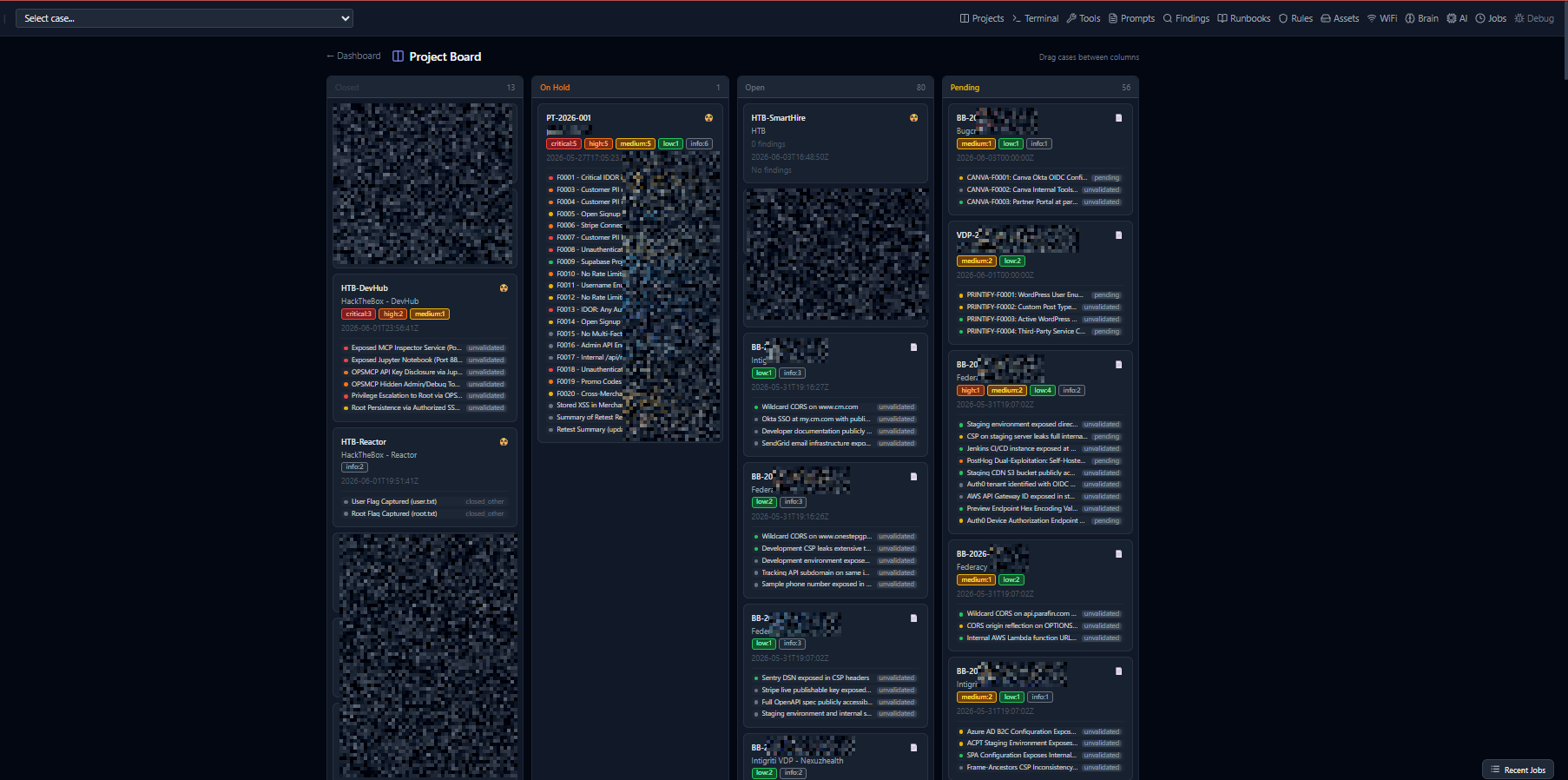
Got a kanban board for projects, including bug bounties and such. Findings can be clicked, or the case themselves can be opened.
Case Pages
Case pages basically just have some bare bones way to see all the things related. with some cheap graphs to look fancy.
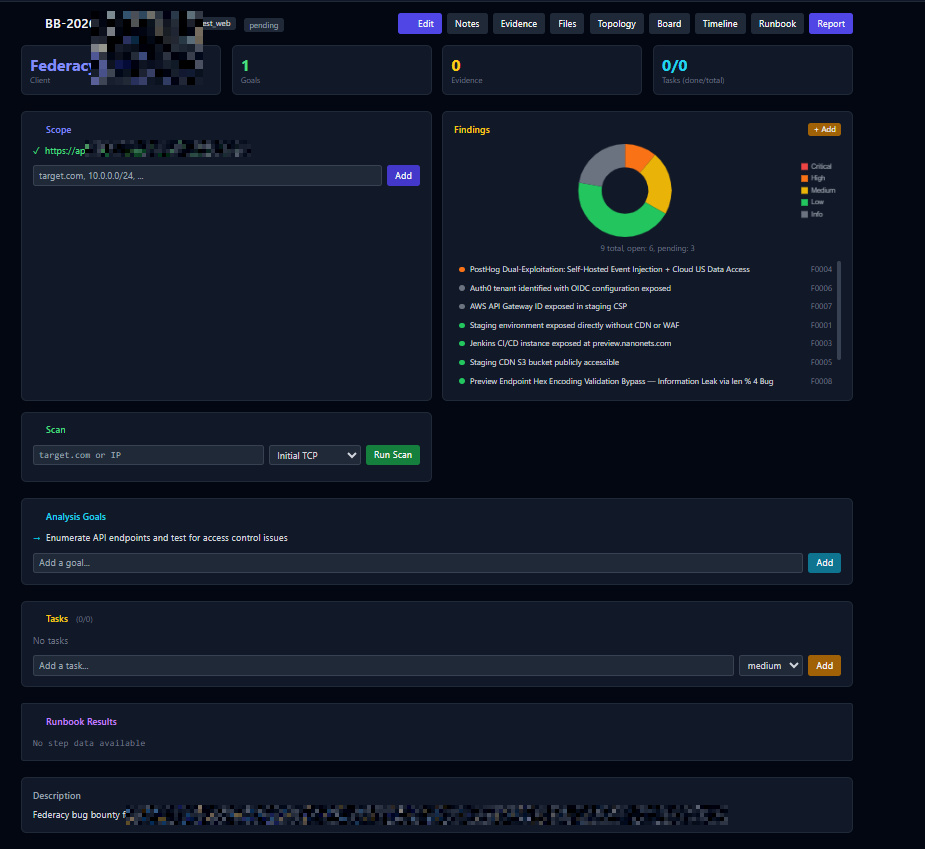
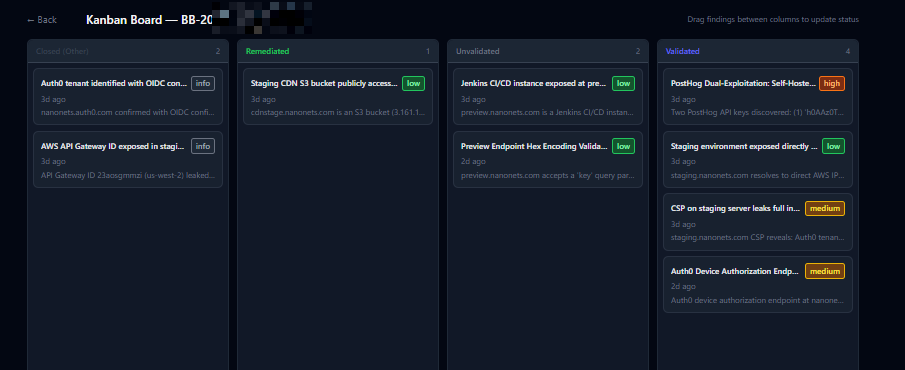
It also has access to a kanband board for the findings related to the case itself:
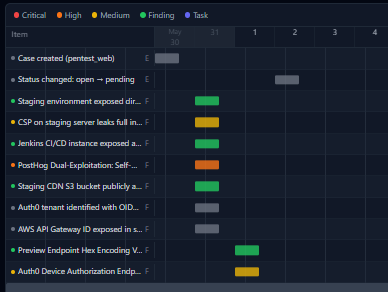
And some timeline, files, and evidence stuff
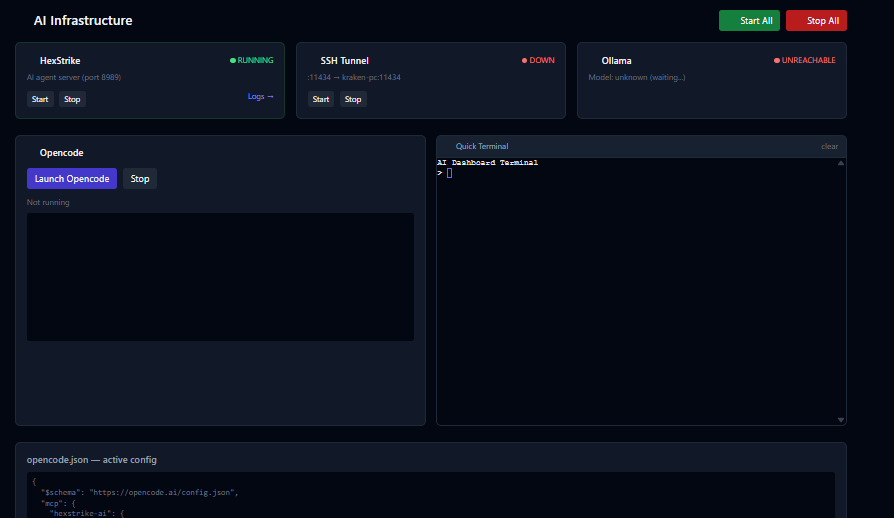
AI and prompts pages
AI page is basically just to tell hexstrike, opencode, etc.. to start up. In my environment, I have ollama running on a secondary system so I can pivot to that if I need a private (local only llm (massively slower)), which may happen because customer requests it or because I run out of public token credits. When everything is started there will be a tmux session with opencode I can join from any terminal, which will have access to the CC_toolkit mcp (cli wrapper) and hexstrike (public tool for including many common kali linux tools into an mcp).
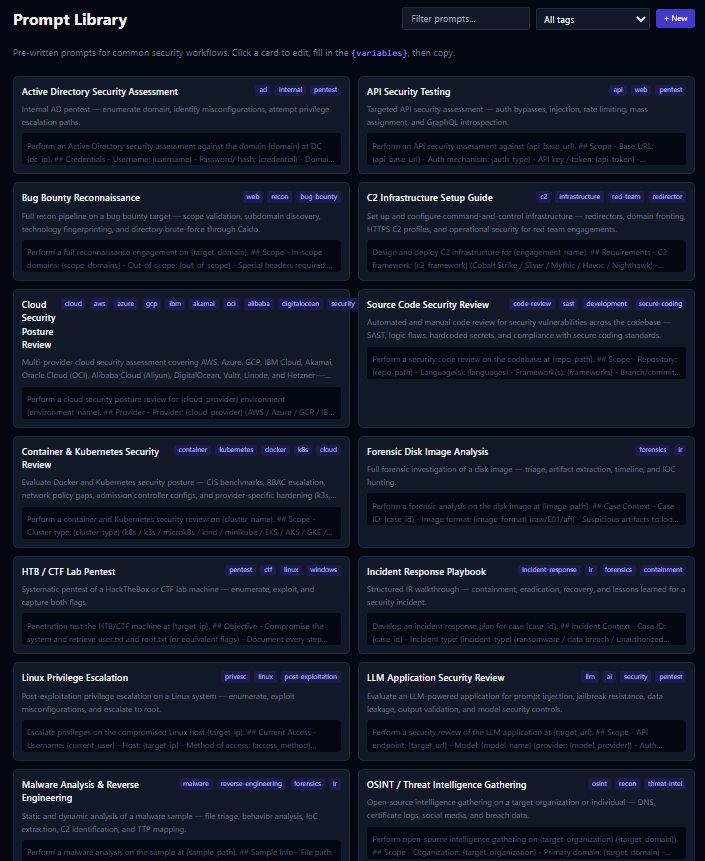
The prompts page has a list of generic ai prompts you can edit then copy-paste into an ai for various tasks. Many of these were generated by ai for the just-in-case I need an example prompt to start with.
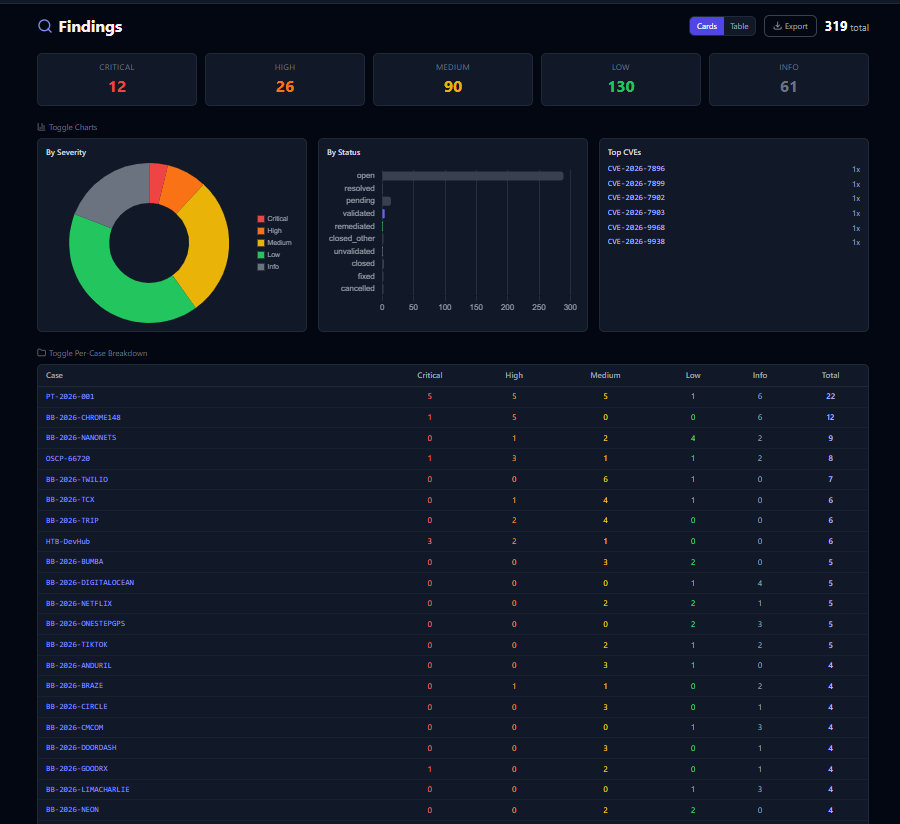
Findings dashboard
The findings dashboard takes another approach at case management where you can manage it by findings (good for sorting out priority of findings when you do major bug bounty mass scans).
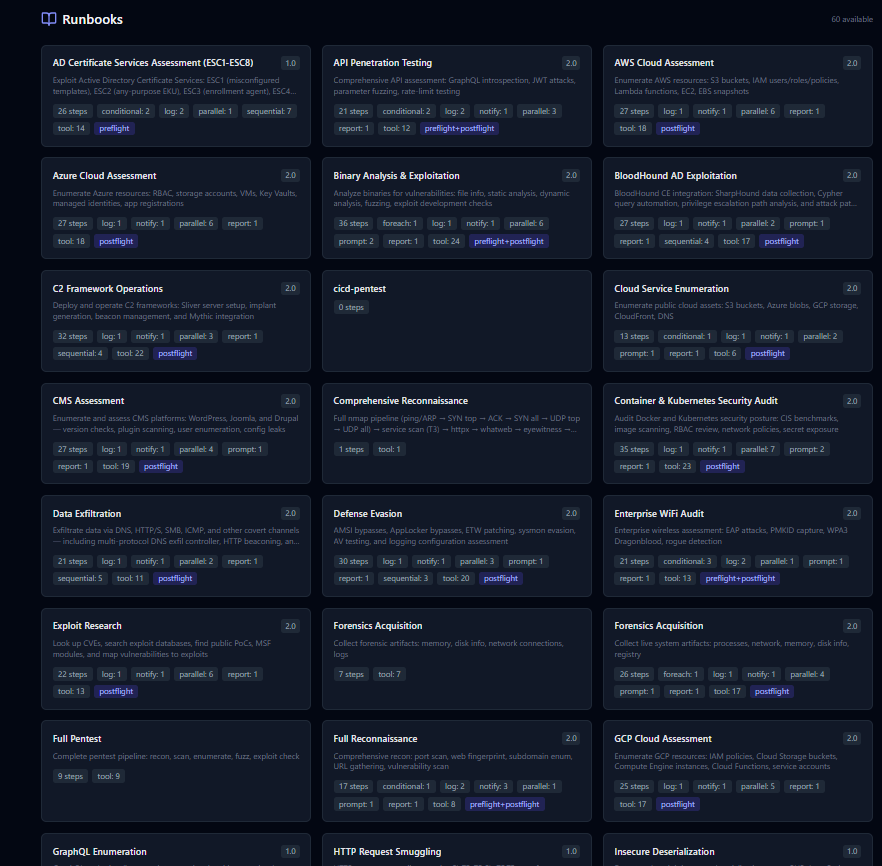
Runbooks
The runbooks page is basically just a collection of runbooks, these can be launched from here or added into a case file, in either situation you can configure re-occurring habits right into the tools such as specialized sequence of nmap scans,
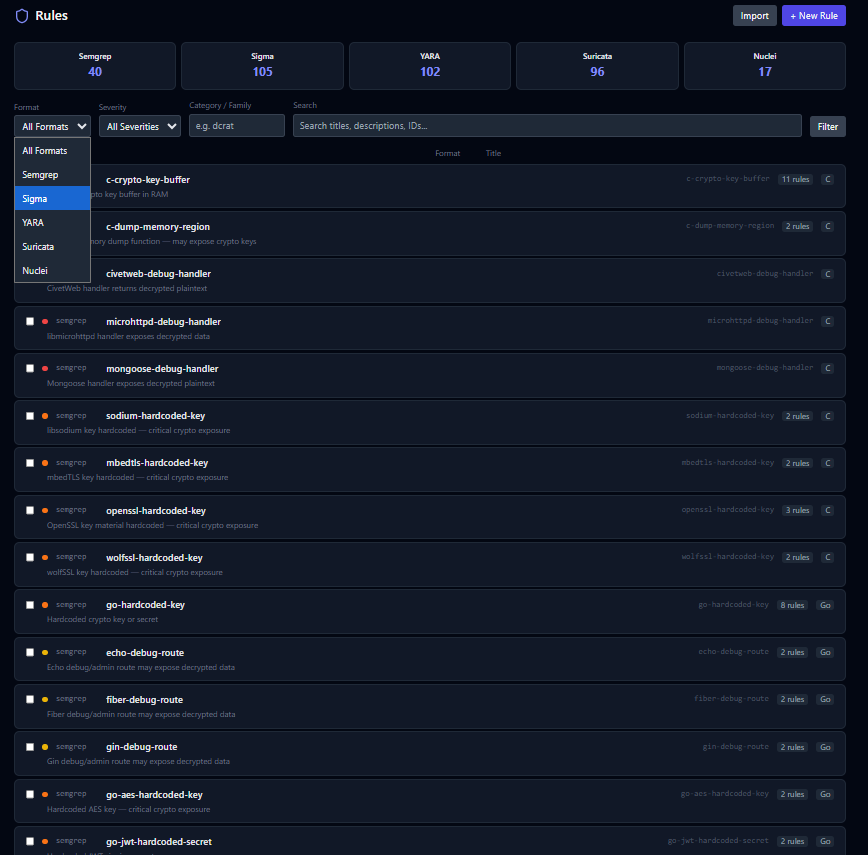
Rules
The rules page is a collection of various rules files for semgrep (code review), sigma (siem detection translation tool), yara (malware/file discovery), suricata (network detections), and nuclei (pentest/exploit templates). Including sorting by types and what not. I've included a lot of these because I feel like they're essential to keep in here, but I've also added some that were sitting in my detection storage for a rainy day.
Assets
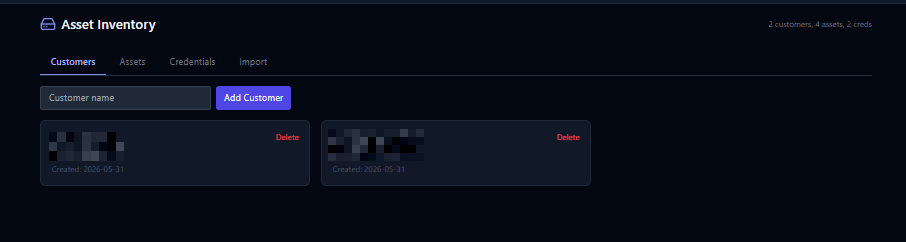
Asset management page is pretty straight forward, it has customer management, assets (linkable by customers), credentials (also linkable to customer), and an import feature. Don't have docs for importing yet, but I'll work on that at some point.
Wifi
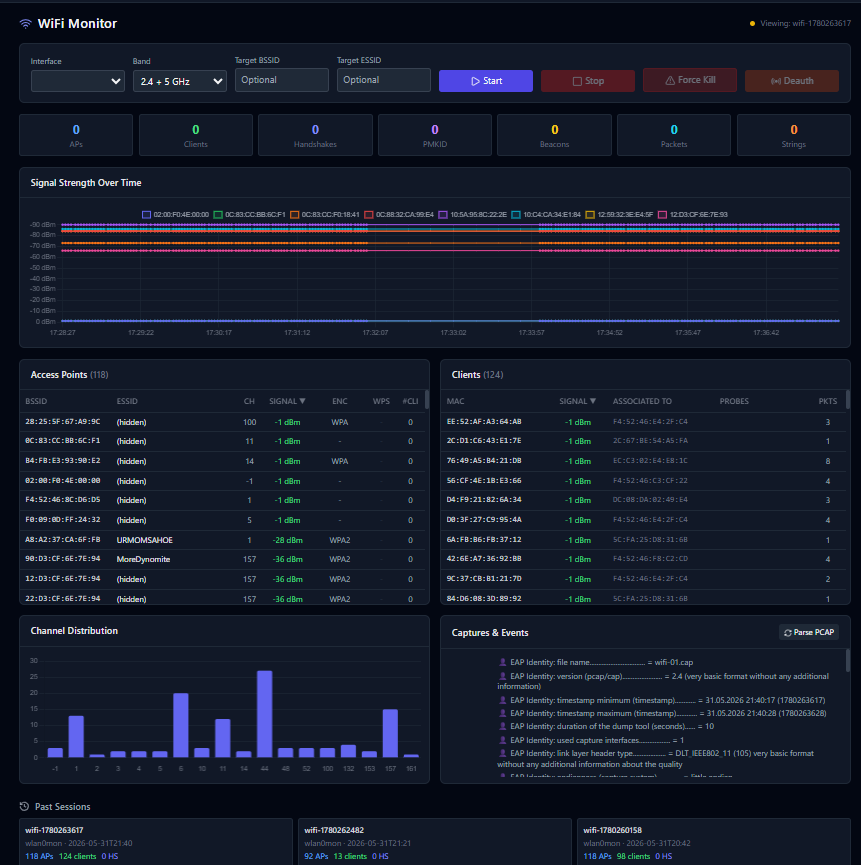
The wifi dashboard lets you run scans, specify targets, etc... including deauth if supported by the case. You can also review historic evidence from pcaps such as this one:
Brain
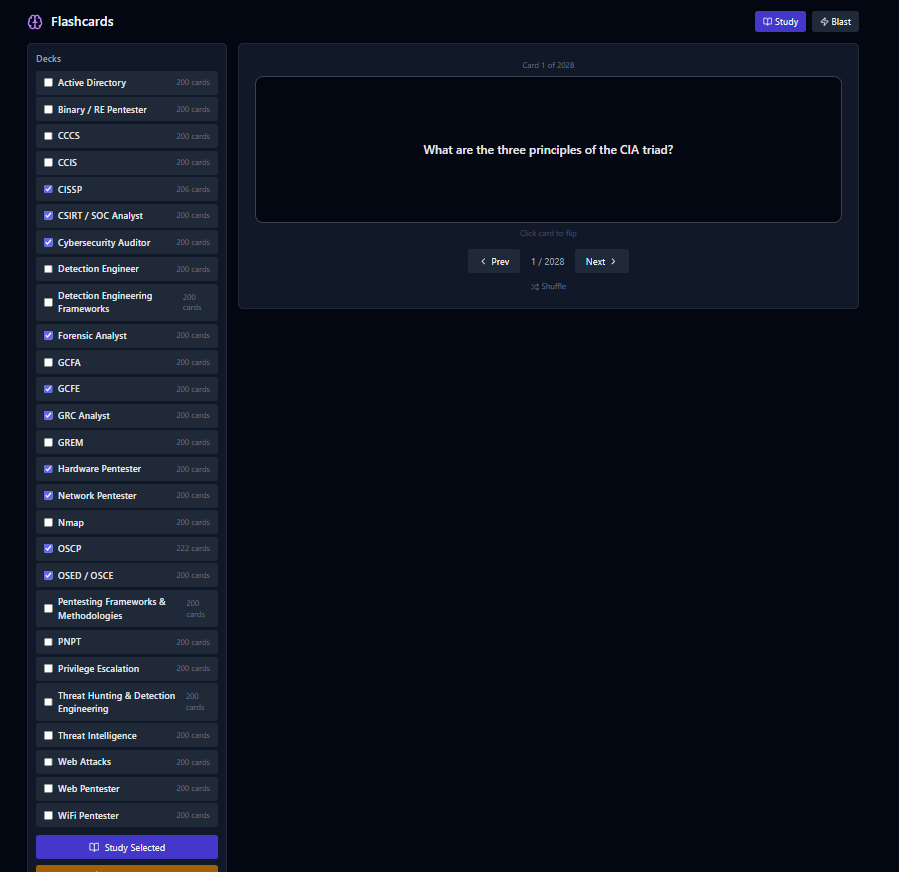
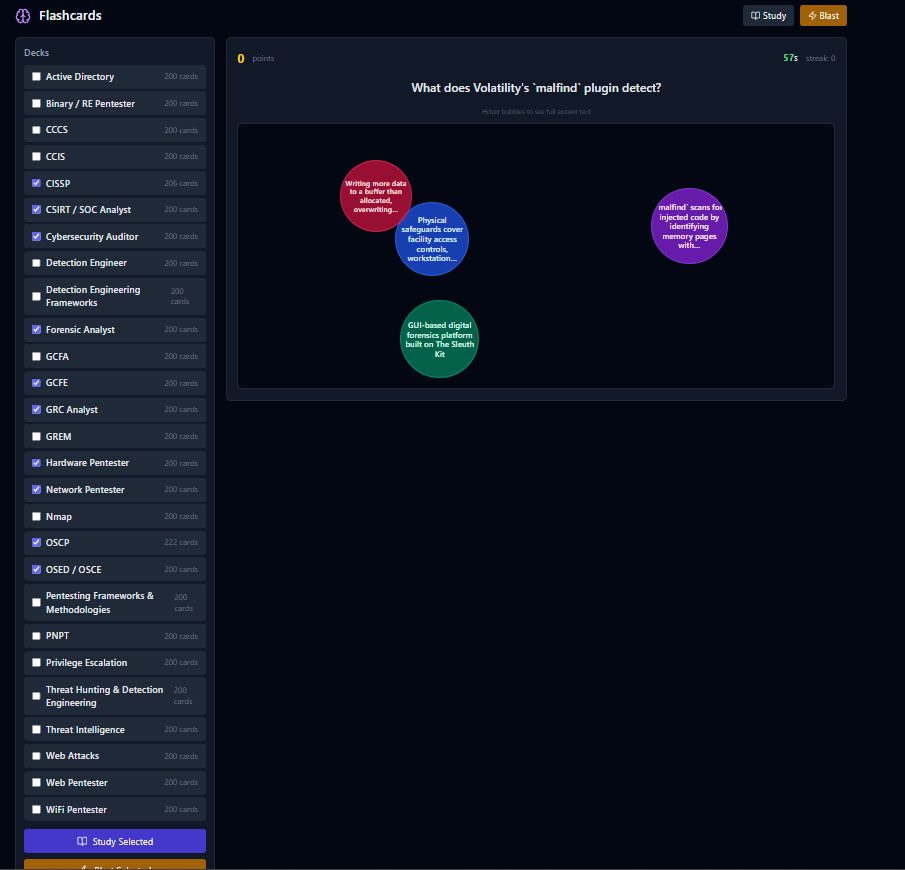
This is basically where memory training features come in, such as flash cards and a blaster game inspired by quizlet.
More updates to come
I've added a few new tools to this already, including more mcp functionalities and linking with burp suite.
As I do more to modify mine, then make ai go back and code review myself, then it, then it again, more features may become available. Stay tuned.